
Quick summary
Your agent runs on balance, and what most influences how much it spends is which "brain" (AI model) it uses for each task. With the recommended setup you don’t have to touch anything — this guide is for when you want to understand the detail and get the most out of it.
What balance is and why it gets spent
Every time you talk to your agent — you ask it for something, it replies, checks your email, drafts a text, edits your website — it’s using artificial intelligence, and that has a cost. That cost is deducted from your balance.
Not all tasks spend the same: a short summary costs cents; analyzing 50 documents costs more. And there are two things that really make the difference: which AI model it uses and how much internal work the task takes. Let’s go through both.
Tokens: the unit everything is measured in
AIs don’t charge per message or per minute: they charge per token. A token is a little piece of a word — as an easy rule, one token ≈ ¾ of a word.
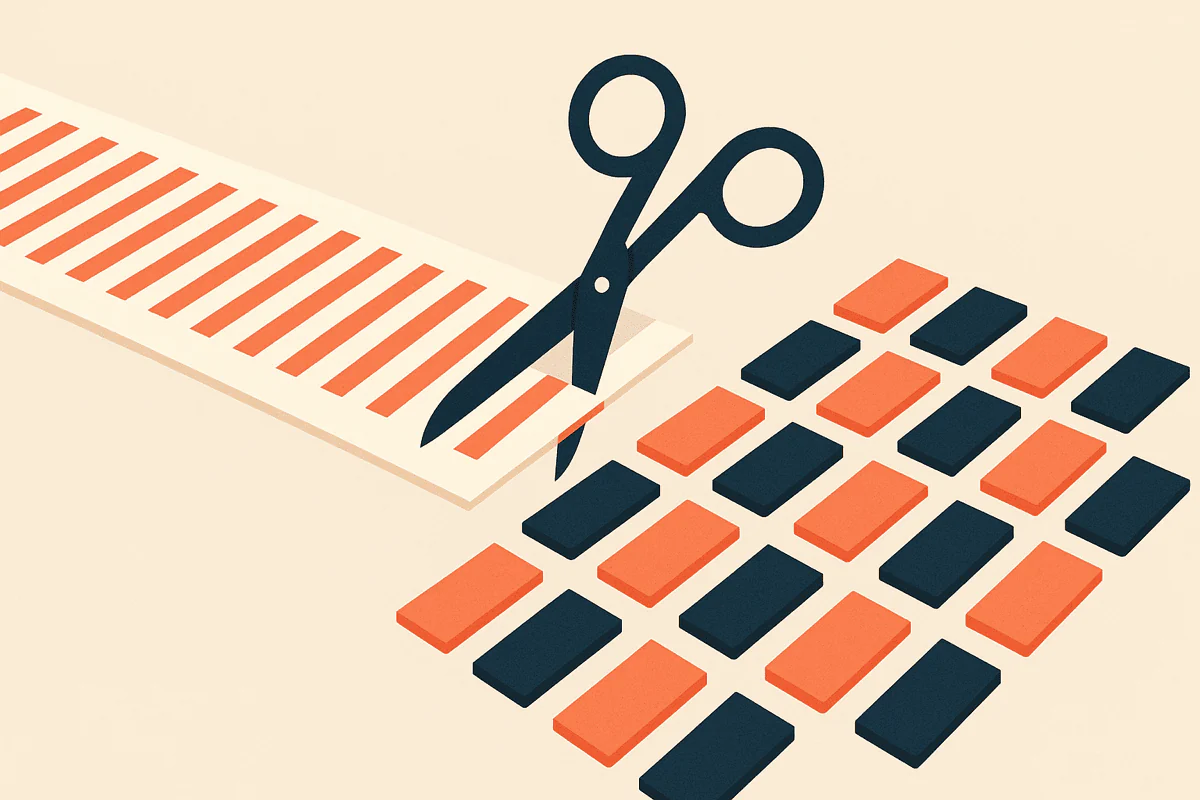
To give you an idea, with everyday things:
| Text | Approx. tokens |
|---|---|
| A "hi, can you summarize this?" | 10 |
| A normal email | 400–600 |
| A page of text | 700 |
| A 20-page contract | 14,000 |
| A whole novel | 150,000 |
| One million tokens | about 1,500 pages — 6 or 7 novels |
And there are two kinds, because reading and writing don’t cost the same:
- Input tokens: everything the model reads — your message, the documents you give it, the earlier conversation it needs to remember.
- Output tokens: everything the model writes. Writing is more expensive than reading — look at the table at the end: the output column is always several times the input one.
One command from you = dozens of requests to the AI
Here’s the key that almost nobody explains. When you ask your agent for something, it doesn’t make a single query to the AI. It works the way a real assistant would:
- Understands what you’re asking and decides whether it’s missing information
- Plans the steps: what to look at, in what order, with which tool
- Executes each step: checks your email, your website, searches the internet…
- Reviews each result and corrects if something didn’t come out as expected
- Drafts the final answer you see
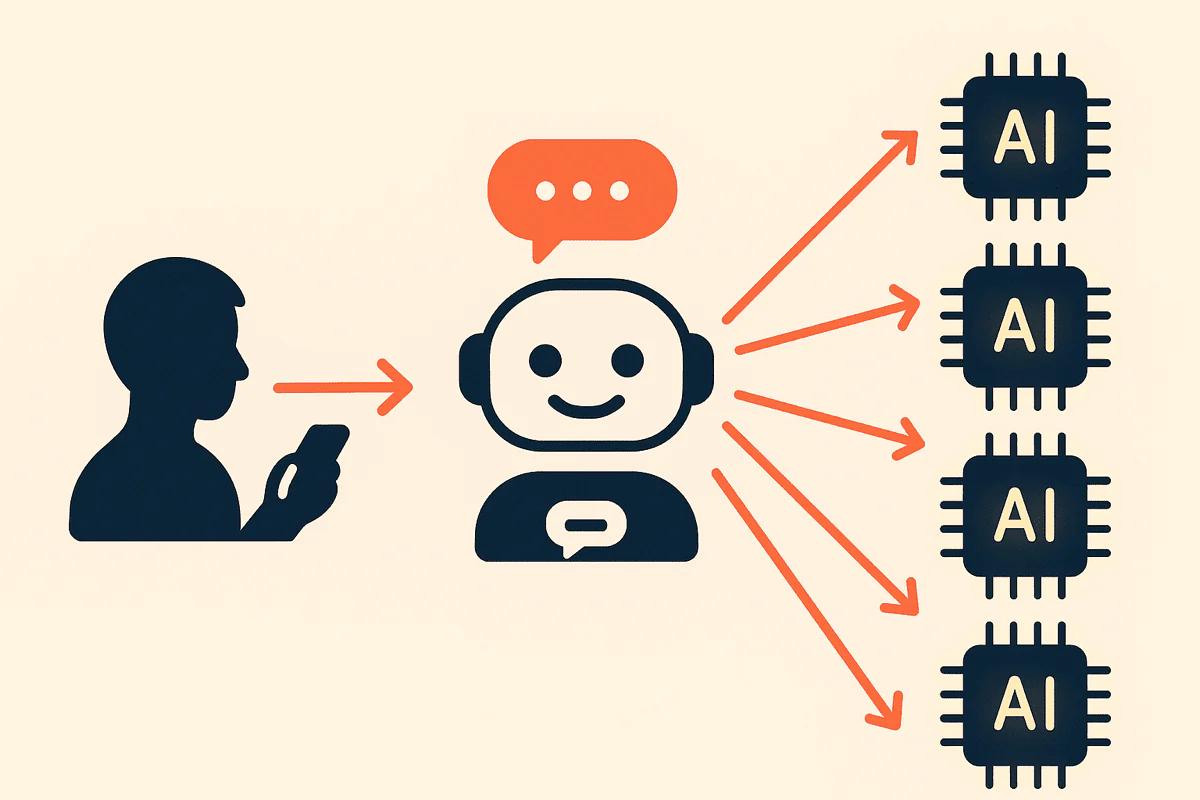
Each of those steps is a request to the AI. A simple command ("summarize this text for me") can be solved in a couple of requests. A complex task ("check my website and fix what’s broken") can generate dozens or even hundreds of requests: the agent keeps making decisions, testing, checking and correcting until it’s done.
This explains two things that are surprising at first:
- In
 see where it gets spent you’ll see many more requests than messages you’ve written. That’s normal: it’s your agent thinking and working for you.
 - A task with a short answer can spend more than a long text. What costs isn’t the final text — it’s all the work of deciding how to get there.
And an important consequence: since each task generates many internal requests, the model you use by default multiplies its effect. Choosing the right day-to-day model is by far the decision that saves you the most balance.
Links with the hablo plane open inside your agent — they only work if you are already a hablo user.How to check your balance and where it goes
If you’re a hablo user, you have two direct shortcuts from Telegram:
The second one shows you on which requests and which AIs your balance is being spent. If some day it drops faster than usual, that’s where you’ll see why.
The one tip you need: GPT 5.4
Your agent can use many different models, but you don’t need to know them. GPT 5.4 is the one we recommend for the day-to-day: the best cost-to-result ratio. And as we just saw, that default model gets used across dozens of internal requests per task — with it, your balance goes a long way.
And if a task is giving it trouble? Move up a model — just for that task
Sometimes you’ll notice that with something specific the agent can’t quite get it right: it repeats itself, gets stuck, or the result isn’t convincing. For those cases there are more powerful models that think better in exchange for spending more:
- GPT 5.5 or GPT 5.6 Sol (OpenAI)
- Grok (xAI)
You switch the model yourself, in a moment: type /models to your agent on Telegram and pick the model from the list, or select it from the web interface. The chosen model stays active until you change it again.
And a specific recommendation: if your agent is doing delicate or critical work — changes to your website, touching things that can’t break, programming tasks — it’s worth asking it for GPT 5.6 Sol or GPT 5.6 Terra: that’s where it pays off most to pay for precision, because a mistake there ends up far more expensive than a few extra tokens.
The trick is always the same: switch to a powerful model for that task, and when you’re done put GPT 5.4 back for the day-to-day.
The models that sound Chinese (Llama, DeepSeek, Qwen, Kimi…)
You’ll see there are many more models available. If you don’t know why you’d use one of them, they won’t pay off for you: for everyday use you’ll find them clumsier, you’ll have to repeat requests and you’ll end up spending more. Trying them out of curiosity does no harm; sticking with them for no reason does.
Not just text: images, video, voices and audio
Your agent doesn’t only write. It can also use AIs of another kind: generate and edit images, create videos, give voice to a text or even clone a voice.

These AIs aren’t measured in tokens: they’re charged per unit — per generated image, per second of audio or video. As a quick reference: an image usually costs a few cents; video and voice cloning are among the most expensive things your agent can do.
There’s nothing wrong with using them — that’s what they’re for — but it’s worth knowing: they’re the tasks that move the most balance at once, and they come out of the same balance as everything else.
Pricing table, in case you like the detail
Prices in euros per million tokens (remember: one million ≈ 1,500 pages):
| Model | Input (€) | Output (€) |
|---|---|---|
| gpt-5.4 ⭐ recommended | 0.50 | 3.00 |
| nemotron-ultra-253b | 0.60 | 3.00 |
| qwen3-coder-plus | 0.65 | 3.25 |
| kimi-k2.6 | 0.66 | 3.41 |
| gpt-5.6-terra | 0.70 | 4.00 |
| gpt-5.5 | 1.00 | 5.00 |
| mistral-large-3-675b | 1.00 | 5.00 |
| qwen3.5-397b | 1.00 | 5.00 |
| gpt-5.6-luna-pro | 1.00 | 6.00 |
| gpt-5.6-sol | 1.20 | 6.00 |
| grok-4.20 (non-reasoning) | 1.25 | 2.50 |
| grok-4.20 (reasoning) | 1.25 | 2.50 |
| grok-4.3 | 1.25 | 2.50 |
| qwen3.7-max | 1.25 | 3.75 |
| deepseek-v4-pro | 1.74 | 3.48 |
| mistral-large | 2.00 | 6.00 |
| claude-opus-4.8 | 5.00 | 25.00 |
| claude-fable-5 | 10.00 | 50.00 |
From the cheapest to the most expensive there’s a 20x difference — and remember the multiplier: each task is dozens of requests. That’s why the default model matters more than anything else.
In summary
- Leave GPT 5.4 as your default model — it covers 90% of what you do.
- Hard task → switch with /models to a powerful model (GPT 5.5, Grok) just for that task, and go back to the default when you finish.
- Critical work (your website, programming, delicate changes) → GPT 5.6 Sol or Terra.
- Images, video and voice: use them knowing they’re the big spend.
- Check your balance and where it goes whenever you like — no surprises.
Frequently asked questions
How do I know how much balance I have left?
If you’re a hablo user, check it directly on Telegram: see my current balance.
Why do I see many more requests than messages I’ve sent?
Because each command from you turns, on the inside, into several requests to the AI: understand, plan, execute, review and draft. It’s your agent working for you — the more steps the task has, the more requests you’ll see.
Which model do you recommend for the day-to-day?
GPT 5.4. It’s the best cost-to-result ratio and covers the vast majority of everyday tasks. It’s only worth moving up a model for hard tasks or critical work.
How do I switch models? Does it stay forever?
You switch it in a moment: type /models to your agent on Telegram and pick from the list, or select it from the web interface. The model stays active until you change it again — for a one-off task, switch it, finish the task and go back to leaving GPT 5.4.
Does generating images, video or voice spend a lot?
It’s charged per unit (per image, per second of audio or video), not per token. An image usually costs a few cents; video and voice cloning are among the most expensive things your agent can do. Use them knowing they’re the big spend.
Related articles
Related
AI tokens explained simply: what they are and why they’re nothing to fear
A simple explanation to understand tokens, usage and cost without technical jargon.
Related
How much does OpenClaw cost? The real price in 2026
The full numbers: what you pay, what’s included and how it compares to hiring by the hour.